War Ready
Last release, we could feel the winds shifting. We had come ashore on promising new land, and we knew it wouldn't stay quiet for long. We could sense war was on the horizon, so we got to work and had to plan for what was coming and be ready for it.
This feeling is no longer based on simple instincts. It's here.
And we're ready for it. Hoidesigner has been built month over month since the beginning of the year to get to a point where you could have all the tools you need to assist you in designing and building the best armies for your campaigns. This release finishes the preparations. Your designs come together into full armies, every branch can now be battle-tested, and the first challenge is waiting on the battlefield where you’ll be able to put your planning skills to the test against others in the community.
We're war ready, and this release finalizes our preparations for total war.
Workspaces & Compositions
An army isn't a loose collection of templates scattered across your library, and planning them shouldn't feel like that either. With this update, you can build compositions and load them into your workspace to focus on the one you're currently working on.
Army Compositions: Bring your designs together into the army you're planning to work with: your division templates, tanks, ships, and aircraft, all under one composition. Each composition carries its own research, doctrine, and MIO paths, so the whole army is planned against the same setup. A design can belong to several compositions. Create them from the new Compositions tab in your Library, where each one opens up to show its designs grouped by type and what it was built with.
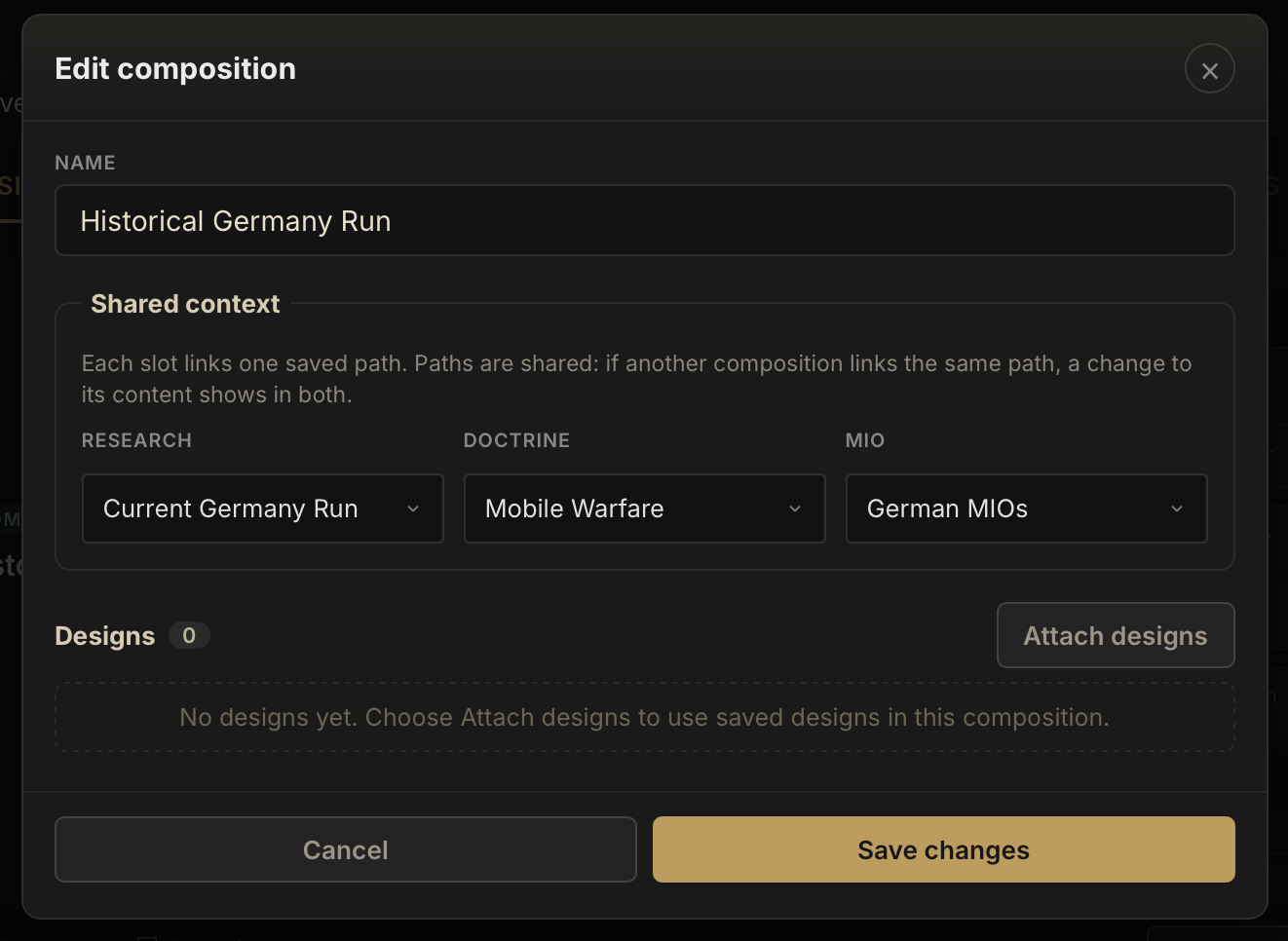
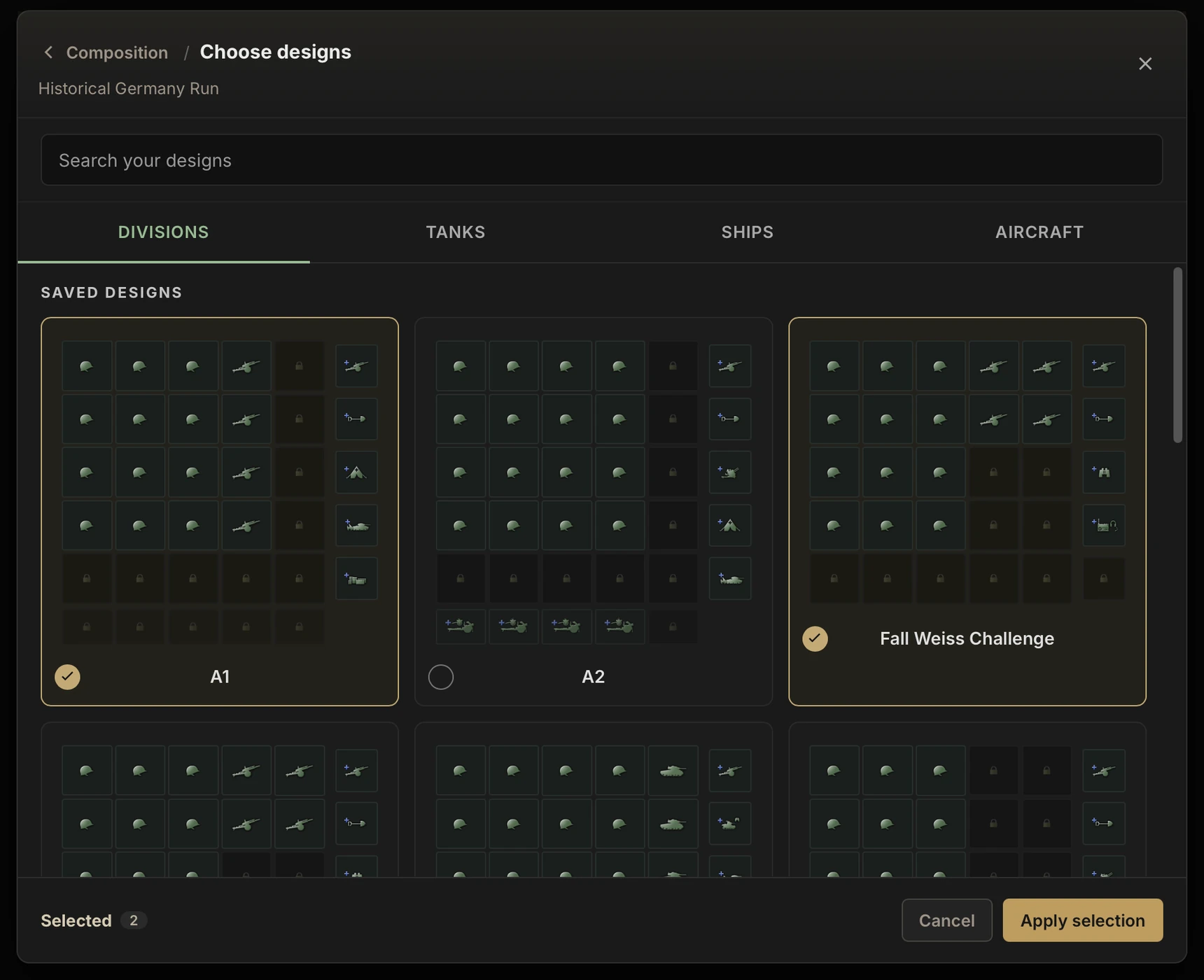
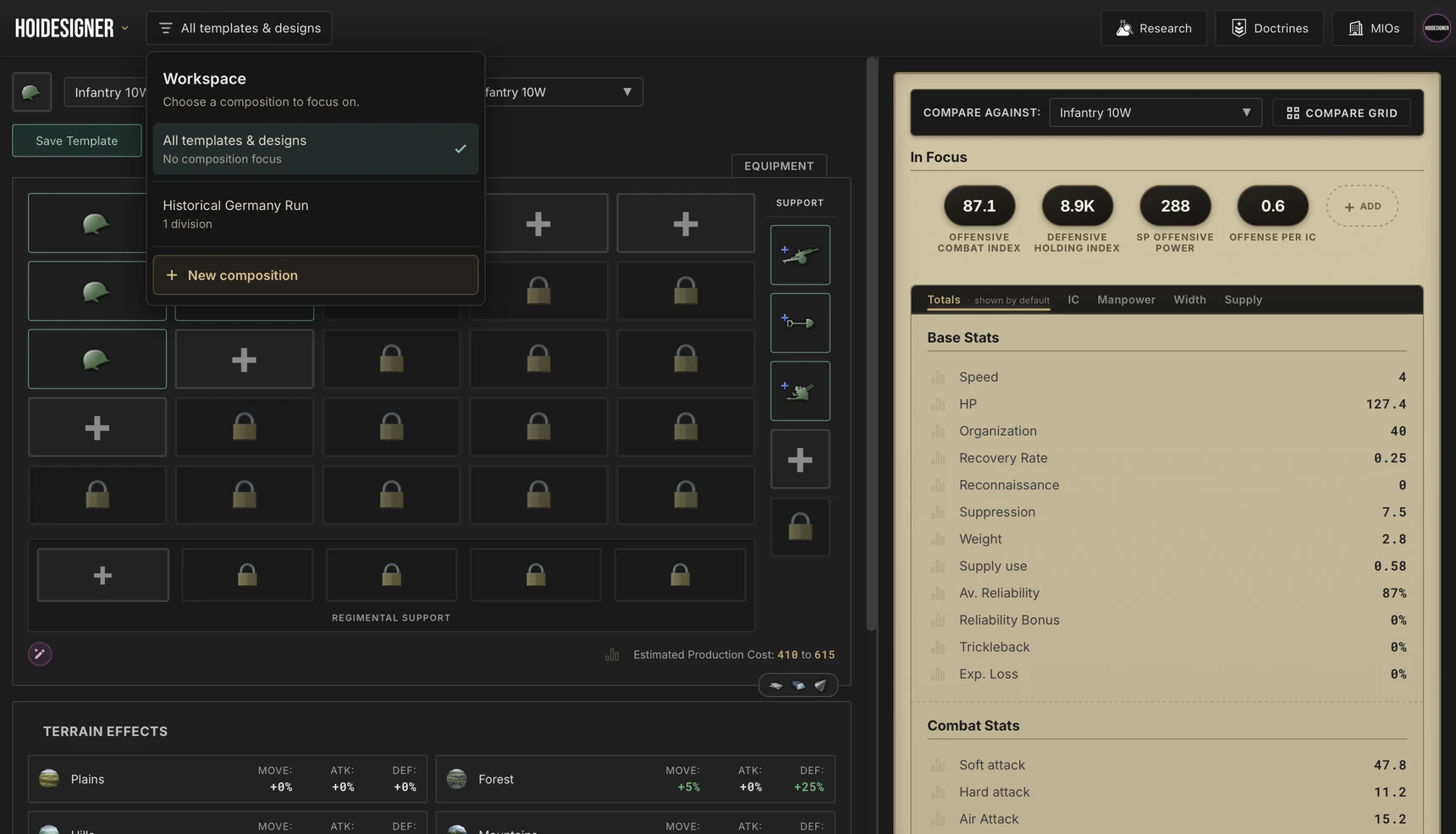
Workspaces: Every designer now has a workspace selector beside the logo. Pick a composition and the designer focuses on it: its research, doctrines, and MIOs are applied, your saved lists narrow to what is contained in the composition, and anything you save while focused joins the composition straight away. Switch between plans without losing track of which template belongs to which run, then step back to all your templates and designs whenever you want to have a bird's-eye view on all your saved work.
Sharing: Share a full army composition as a link or publish it to the catalog, as a complete guide so others can follow from start to finish. Anyone opening it can try the whole composition in the designers before saving it to their own library.
Compositions have been on the list for quite some time, and with every branch now in place, they finally have solid ground to stand on.
Air & Naval Combat Simulations
In Winds of War, land combat became testable. But wars aren't only fought on land, and the preparation wasn't finished until every branch could be put to the test. And now, we have it.
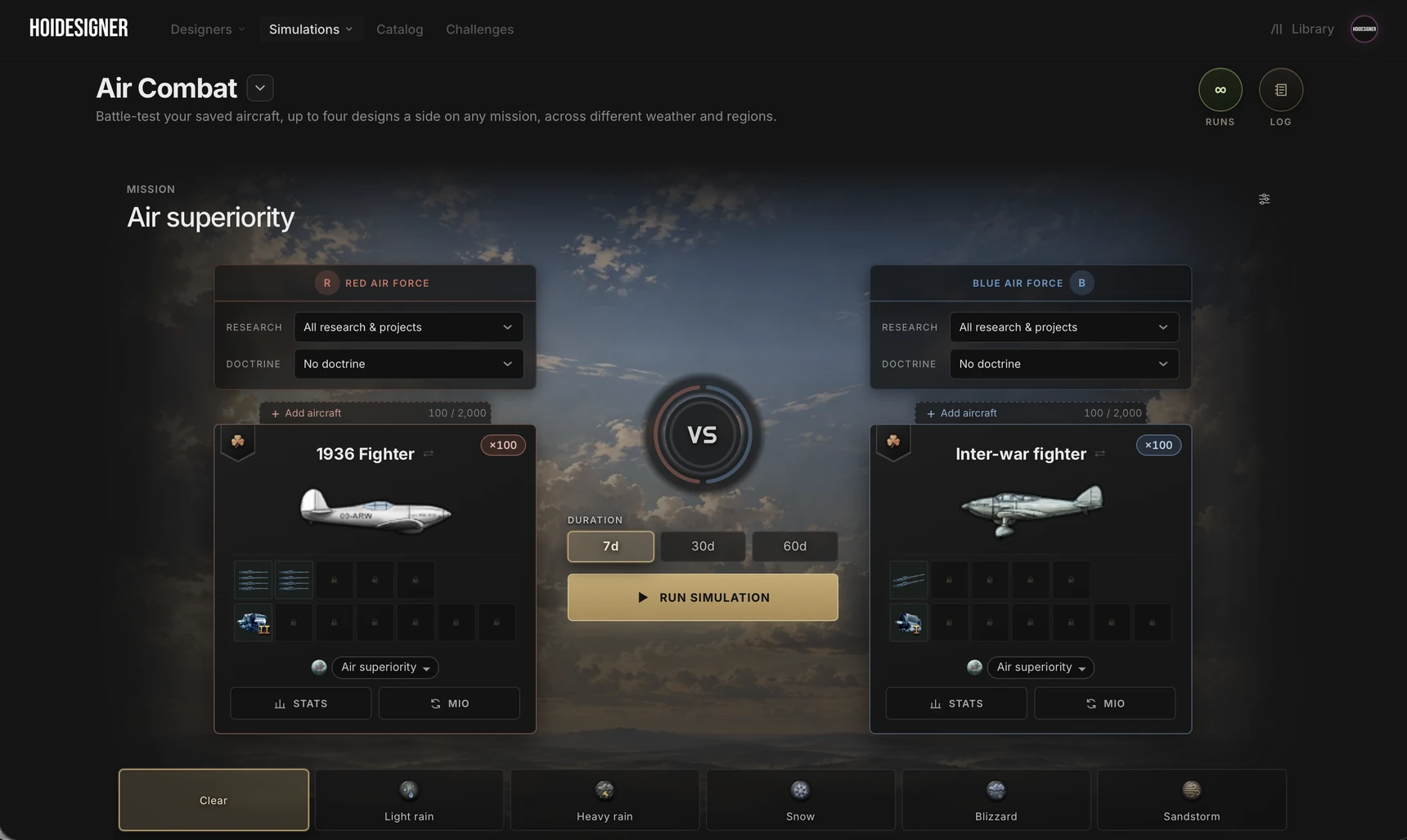
Air Combat: Build two air forces of up to four aircraft groups each, from presets or your own aircraft designs, and give each one a mission it can fly: air superiority, close air support, bombing, naval strike, and more. Set the region over land or sea, the weather, day or night, each side's detection and anti-air, and each force's ace. See how your airframes hold up against each other: aircraft and IC lost on each side, how much enemy fighters disrupted your bombers' and CAS's work, and who holds the sky at the end. It's the quickest way to find out whether a design that looks strong on paper still holds its own in the air.
Naval Combat: Build two fleets of up to 50 ships from presets or your own ship designs, with screens, capital ships, carriers and their air wings, and submarines. Choose the sea, the weather and time of day, how long the battle runs, and put an admiral in command with their skills and traits. Each fleet sails under its own research and doctrine, with MIOs and crew experience set per ship group. Test your hulls, screens, and capital ships before you commit them to production.
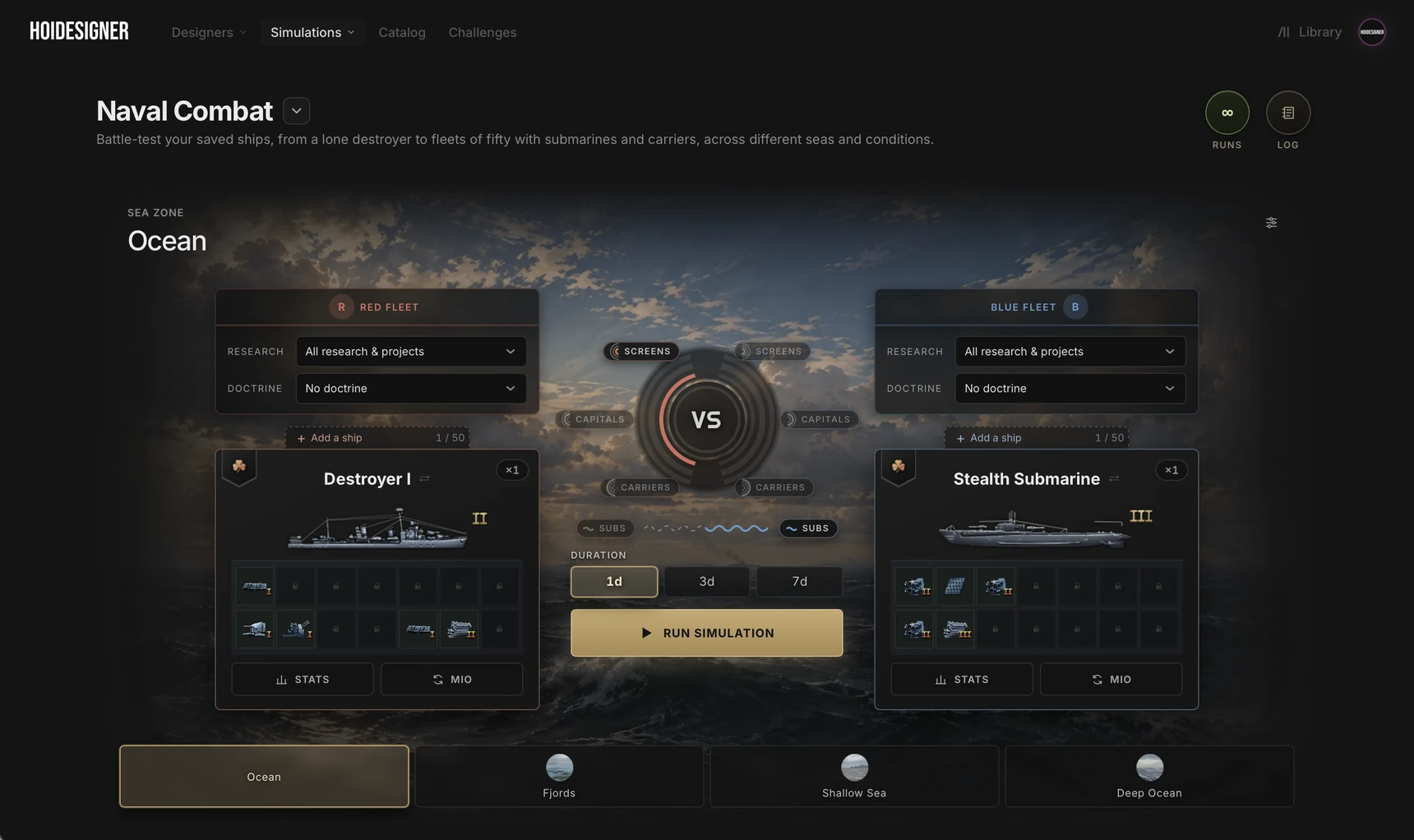
Both work the way Land Combat does. Every run simulates 1,000 battles, and an Effects tab shows what effects are applied to each side before you run anything. Every run is saved to your private battle log, with Intel to compare them, and any result turns into a shareable battle card. All three simulators draw on the same daily run credits.
Straight From the Designer: Save a ship or an aircraft and send it straight into Naval or Air Combat, the same way divisions go into Land Combat. The research, doctrines and MIOs you have set in the designer come with it.
Land, sea, and air can now all be battle-tested, the same way you've been planning them.
Challenges
Preparation only means something once it's tested against a real threat. Challenges are where that happens.
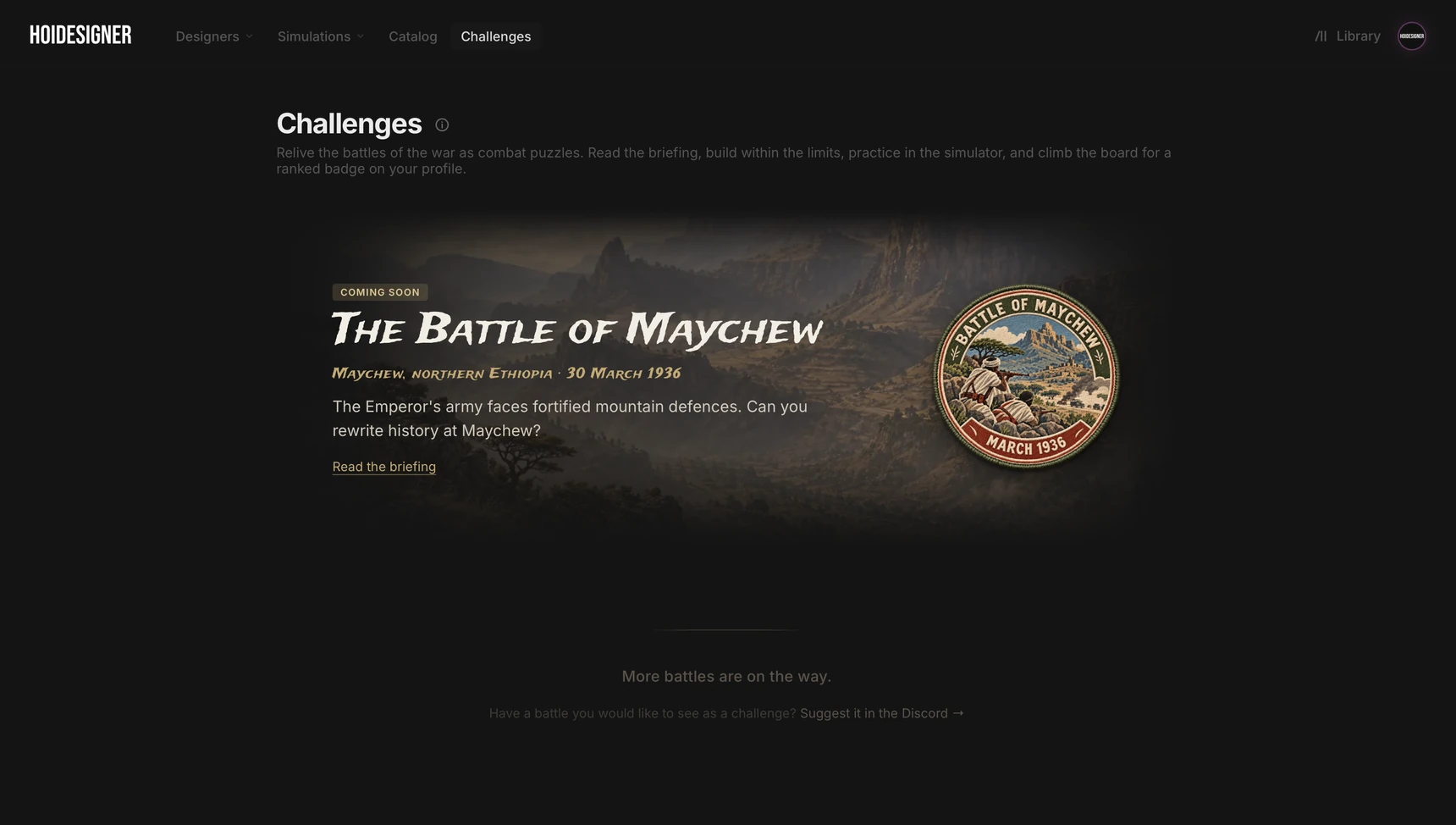
Each challenge drops you into a battle with its own battlefield, its own opponent, and limits on the force you can bring. Build your army within those limits, practice against the opponent as often as you like using your ordinary run credits, then submit your official entries. Every entry is scored with that challenge's own scoring formula, which can differ from one challenge to the next, and your best score gets you a place on the leaderboard. Submitted builds stay private, and the top three earn the challenge's ranked badges for their profile.
Our opening challenge will take us to the Battle of Maychew. Fought on 31 March 1936, barely three months into a standard HOI4 start, this challenge will put you on the Ethiopian side trying to reverse the course of history. This is the first of many. Bring your best plan and see how it holds up against everyone else's.
Hoidesigner Pro
This update also gives Hoidesigner Pro members new ways to understand their designs and improve them.
Stat Contributions
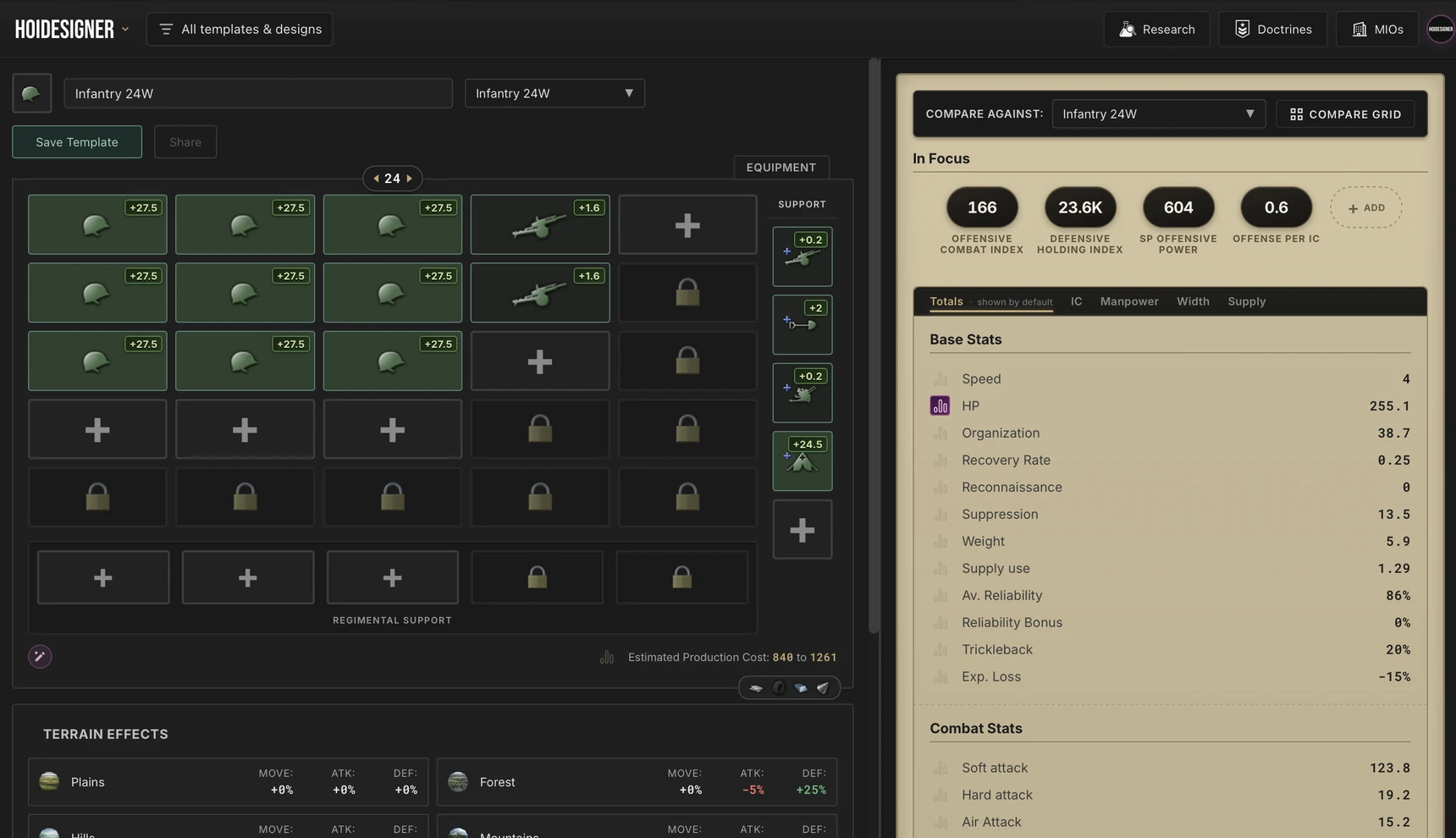
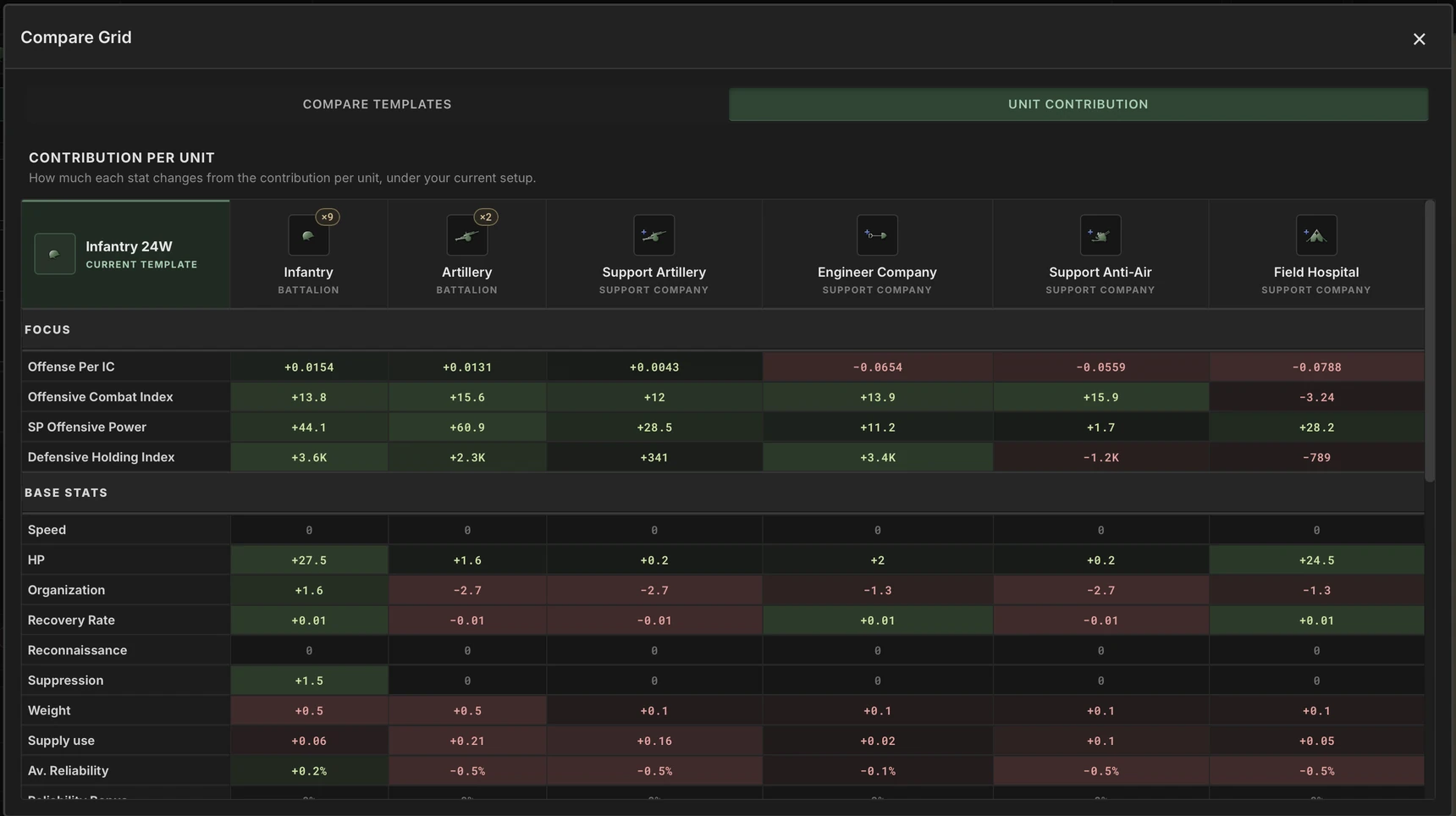
Ever wondered which part of your design is really doing the heavy lifting and which ones aren't playing their part? Stat Contributions helps you answer those questions. It works across all four designers. Pick a stat and every battalion, company, or module shows how much it contributes to it. The Compare Grid can lay it all out at once, every stat against every unit or module, so you can compare pieces amongst themselves.
Design Advisor, Extended
Introduced in the Coming Ashore update for division templates, the Design Advisor now works in the Tank, Ship, and Aircraft Designers too. Tell it what you want to improve and the conditions it must respect, and it comes back with its strongest suggestions for your design.
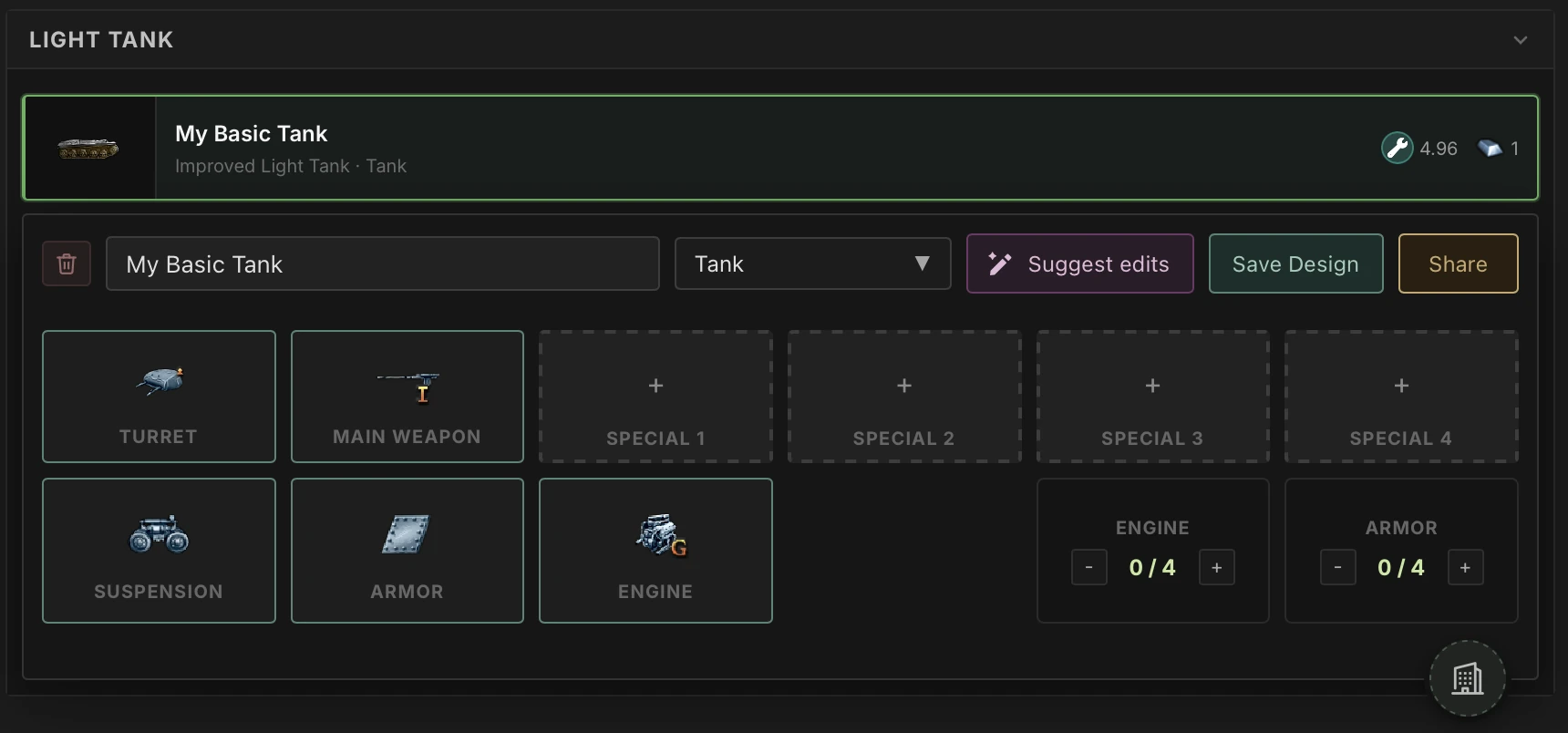
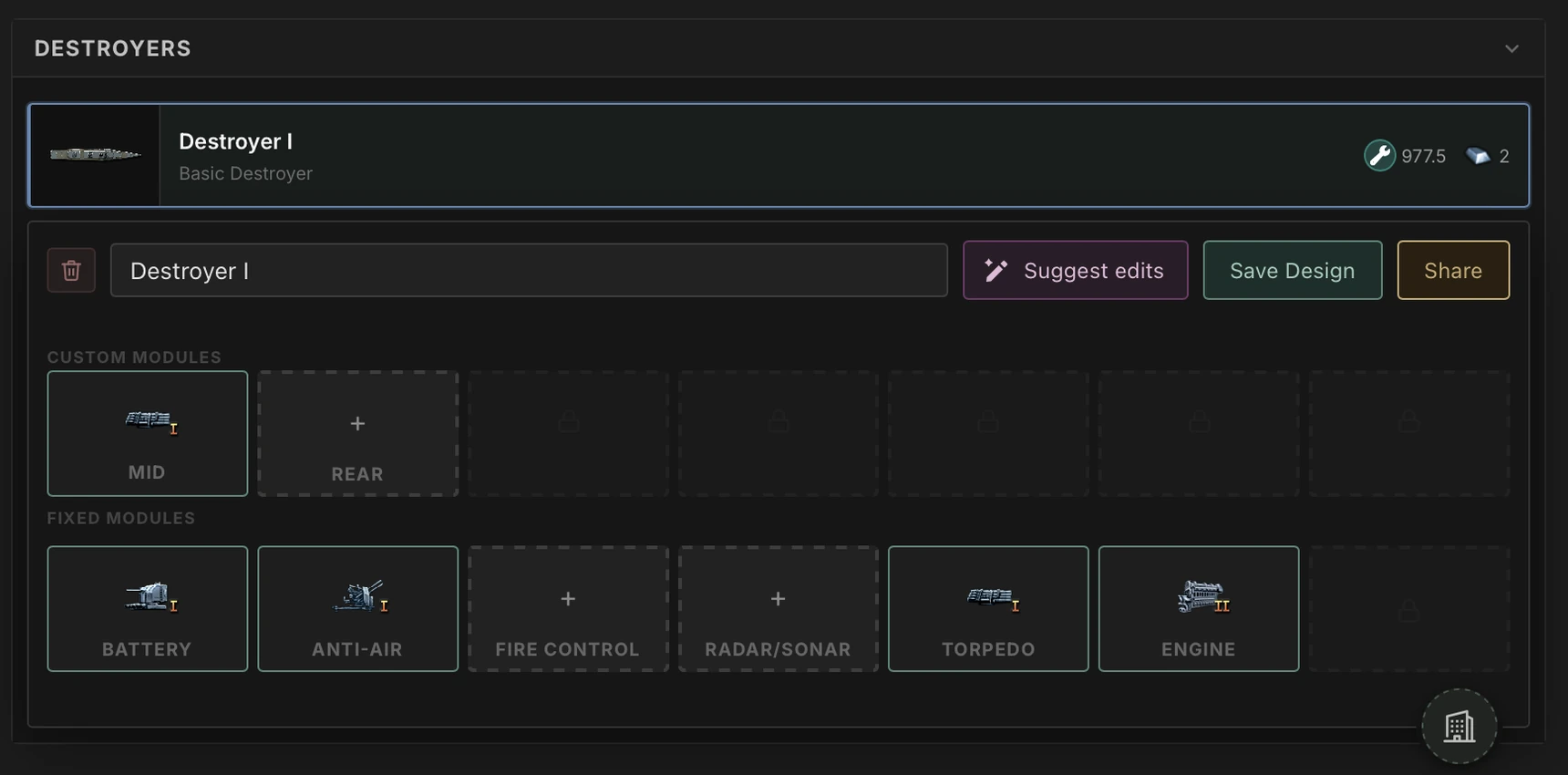
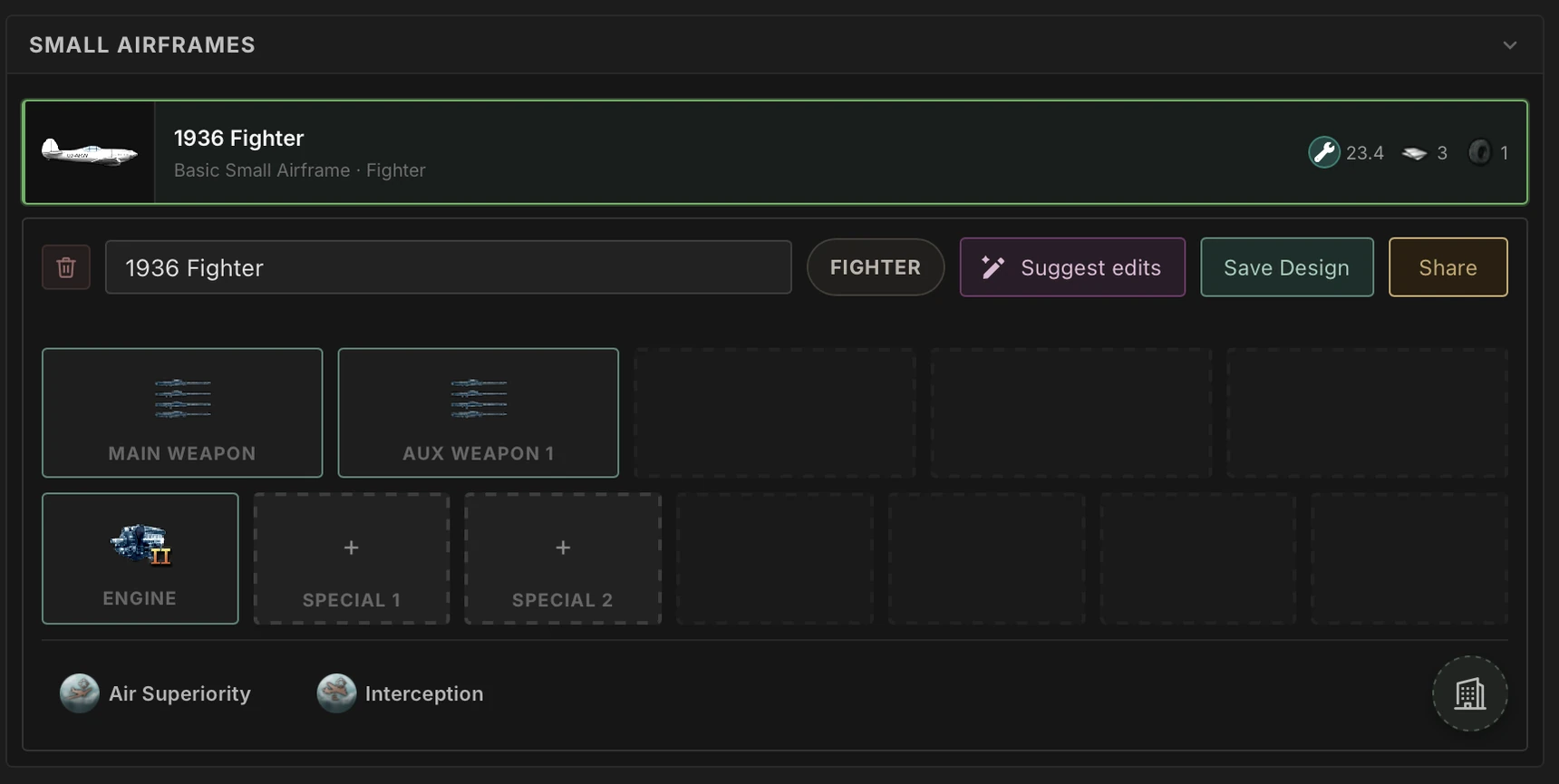
One shows you what your design is made of. The other helps you make it better.
What's Next
When we came ashore on this new land, we said we didn't come just to hold the beach.
Since then, we've rebuilt the catalog around your designs and the community's ratings, and made land combat testable. With War Ready, your designs come together into full armies, every branch can be battle-tested on land, at sea and in the air, and Pro members can see which pieces of a design pull their weight. Our preparedness is as high as it ever was.
The beachhead is secure. We're war ready, and the push inland starts here.
Join the Hoidesigner Discord to share your results and let us know which battle you want to fight next.
Until next time!